
Reduce rewiring
Confirm before production
Circuit count, equipment type and control action.
Project effectFewer wiring changes after the cabinet reaches the site.
Custom smart distribution box
Share the equipment list, rated power, site voltage, network conditions and installation environment. We review the circuits, protection, control logic, monitoring, alarms, communication and enclosure before production.
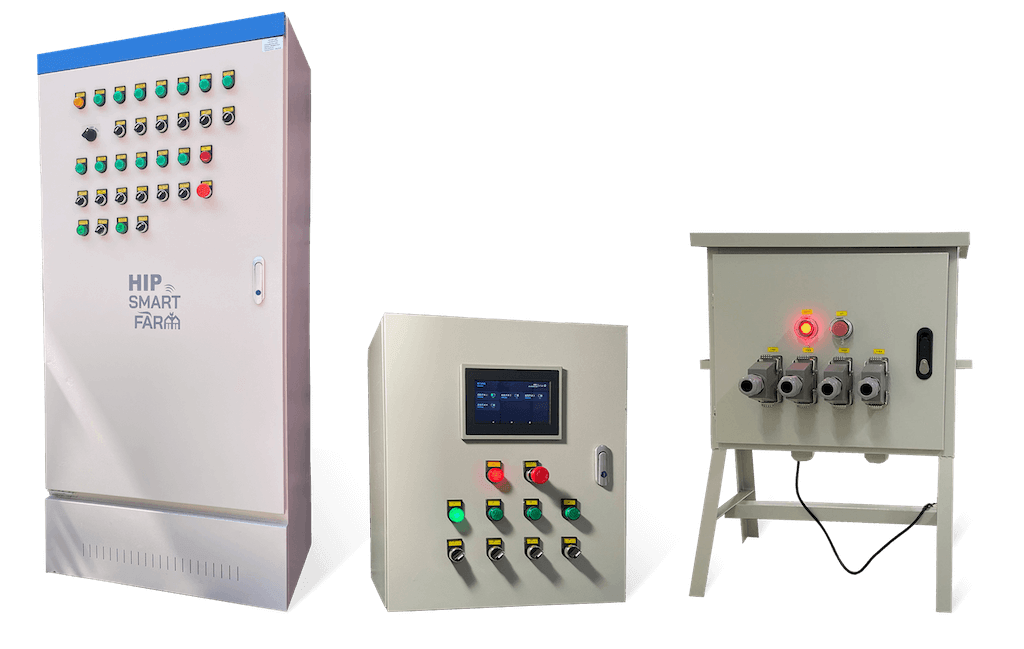
Before production
Reviewing the loads, network and installation details before production can reduce wiring changes, late additions and enclosure rework.
Confirm before production
Circuit count, equipment type and control action.
Project effectFewer wiring changes after the cabinet reaches the site.
Confirm before production
Power monitoring, alarms, local display and access control.
Project effectRequired modules can be considered in the cabinet layout.
Confirm before production
Load data, installation environment and cable entry.
Project effectLower risk of an enclosure or component mismatch.
Configuration scope
The final design combines electrical, control, communication and installation requirements. Every option remains subject to engineering review.
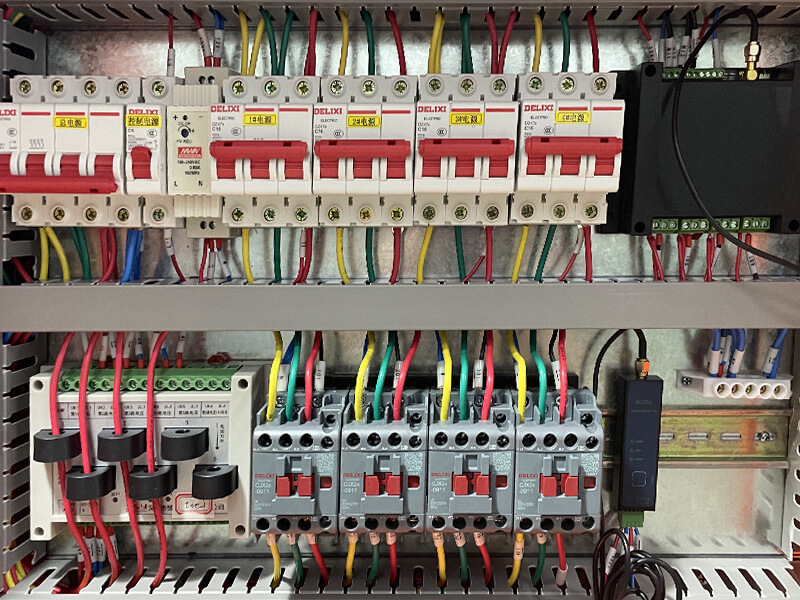
Combine standard start/stop and reversing circuits around the actual equipment. Loads outside the standard Y951 range require a separate electrical review.
Circuits can be reviewed for standard start/stop, reversing or mixed functions. Projects above 16 circuits require confirmation of the enclosure space and electrical design.
Project examplePumps and fans need start/stop control while a greenhouse curtain motor needs reversing control.
The standard Y951 reference is 2.2 kW per circuit. Higher-power loads require the voltage, motor type, nameplate current, starting method and operating frequency to be reviewed.
Project exampleA 7.5 kW pump must operate alongside several lower-power loads.
The control sequence and protection design are reviewed together so that the cabinet matches the equipment and site operating rules.
Time, sensor values or equipment states can be used as project inputs for reversing, conditional or staged control. Offline execution requires a local controller and an approved control sequence.
Project exampleA curtain motor reverses direction while a pump starts and stops from a local water-level signal.
Breakers, residual-current protection and other devices are selected according to the supply, load, environment and applicable project requirements.
Project exampleThe project needs remote circuit control plus protection selected for the installed loads.
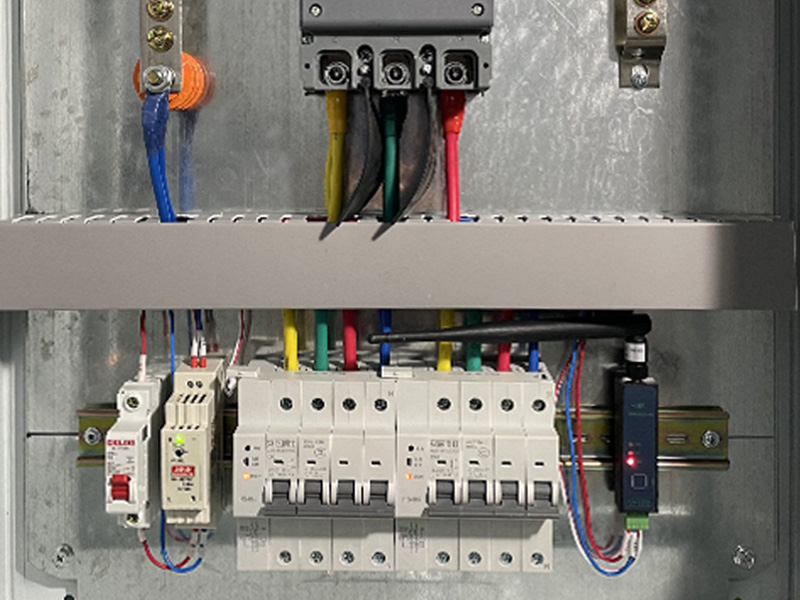
Add the measurements and alarm path required to identify supply or equipment conditions. Available data depends on the installed monitoring hardware.
Current, voltage, power and accumulated energy can be reviewed for the required circuits. Metering accuracy and available fields depend on the selected device.
Project exampleThe operator needs separate current and energy data for pumps, fans and aerators.
Outage and run-state alerts depend on the monitoring signal, backup power, communication path and notification method included in the project.
Project exampleA night-time pump stop should be reported to the responsible operator.
A sounder and beacon can be added when site personnel also need an immediate local indication.
Project exampleThe site needs a visible and audible warning in addition to remote notification.
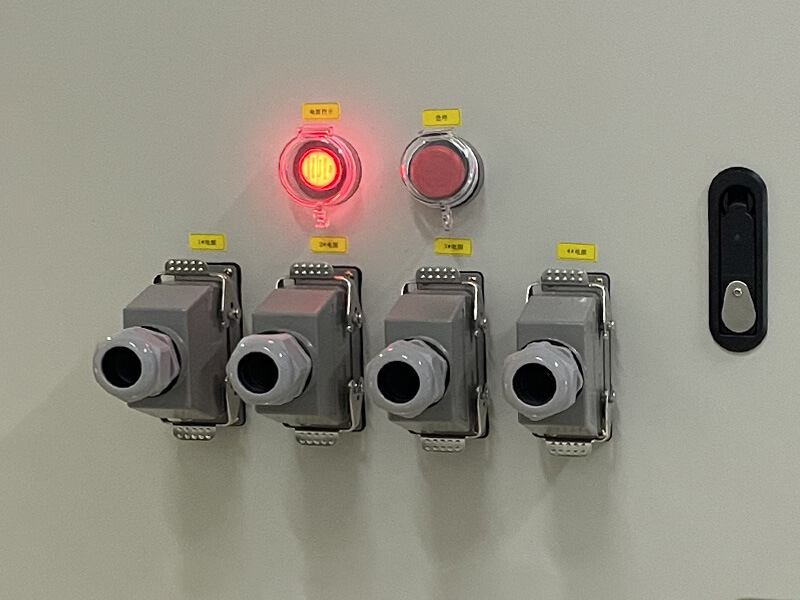
Add local operating and access functions according to the people, work process and connection method at the site.
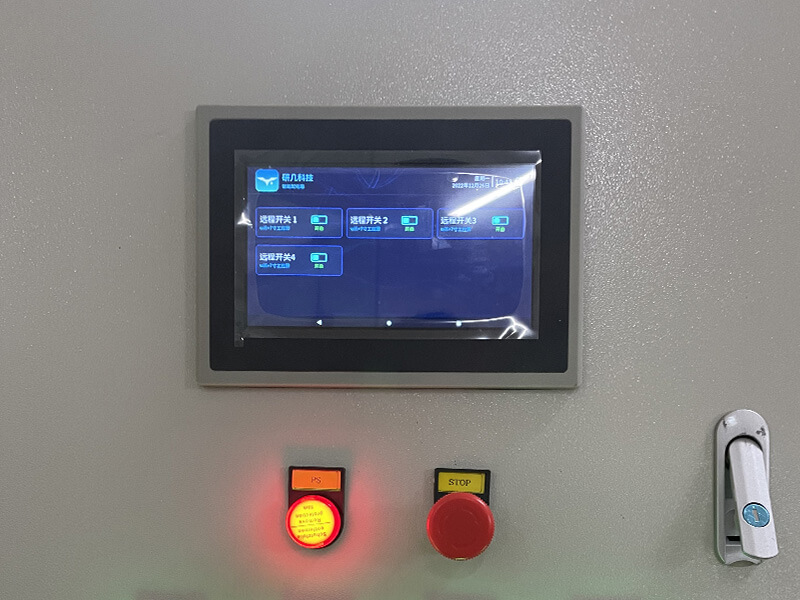
A local display can show configured measurements, equipment states and approved control actions beside the cabinet.
Project exampleOperators need to check status and start or stop equipment without opening a phone application.
An access-control option can be reviewed where the project needs to manage who can open the enclosure.
Project exampleOnly authorized personnel should open the cabinet during site operation.
A project can include detachable connectors and a signal for connector state where temporary wiring changes frequently.
Project exampleThe site wants a notification when a monitored connector is disconnected.
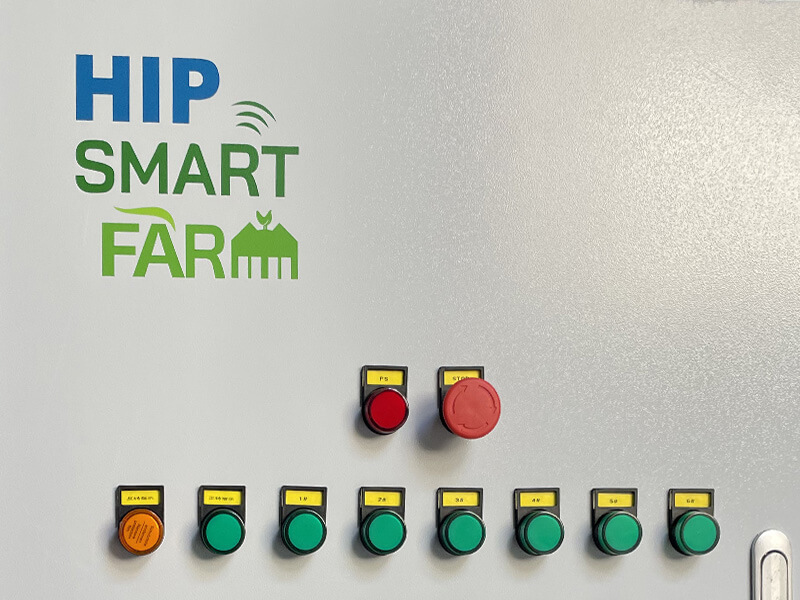
Confirm the enclosure material, dimensions, internal layout, cable entries and branding as part of the project design.
Material, dimensions, component layout and cable-entry positions are reviewed against the installation environment and wiring plan.
Project exampleA humid outdoor site needs corrosion-resistant materials and revised cable entry.
Cabinet color, printed logo and product marking can be reviewed for channel or project delivery requirements.
Project exampleThe delivered cabinets need the distributor’s approved brand marking.
Pole mounting, moisture, heat, dust and unusual cable routing require a separate review of installation and enclosure protection.
Project exampleThe cabinet will be pole-mounted beside a field with no wall available.
Application examples
These examples show how equipment, network, load and alarm requirements change the cabinet configuration. They are not fixed packages.
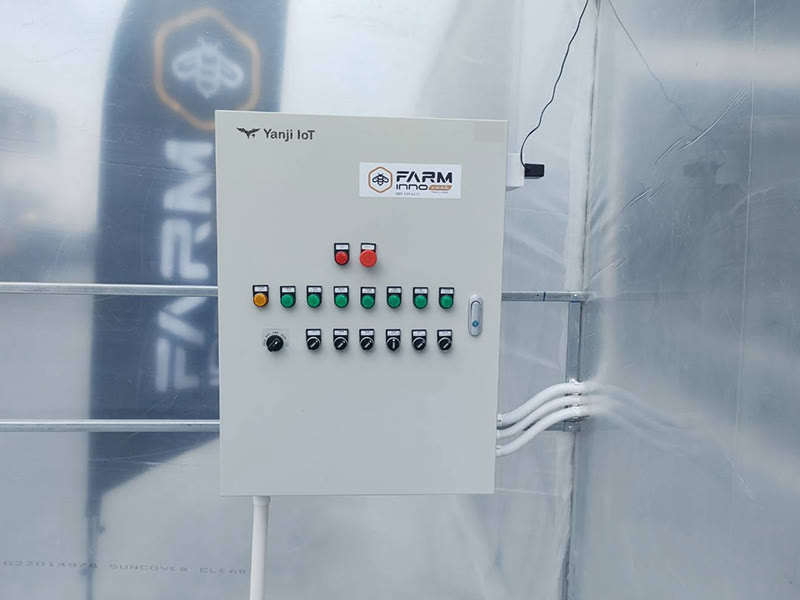
Fans, pumps, grow lights and curtain motors need centralized control using time or environmental conditions.
Separate start/stop and reversing circuits, then define cloud schedules or project-specific linkage rules.
The configured equipment can be viewed and controlled from one management path.
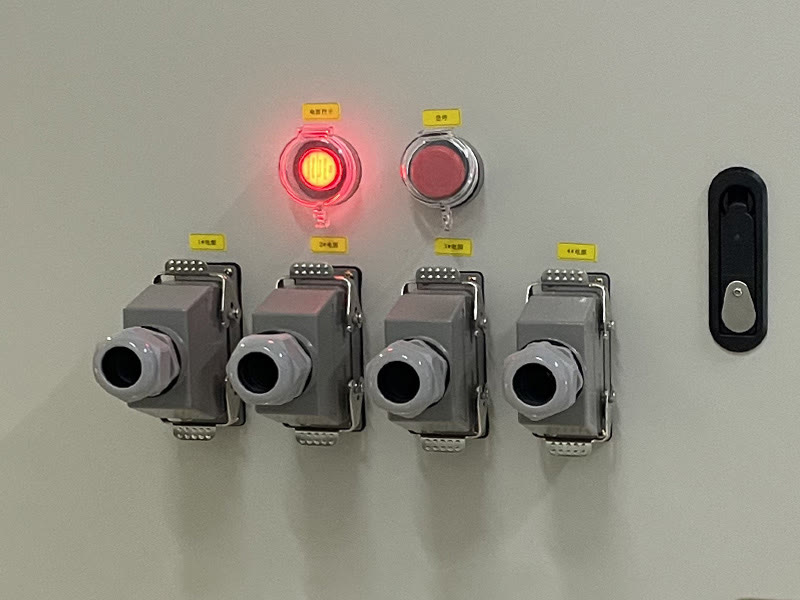
Pumps, tools and temporary circuits have different loads, connection points change and fixed broadband is unavailable.
Review the loads and protection, then consider 4G communication and monitored detachable connectors.
Configured states can be reviewed remotely and a connector-state signal can support site checks.
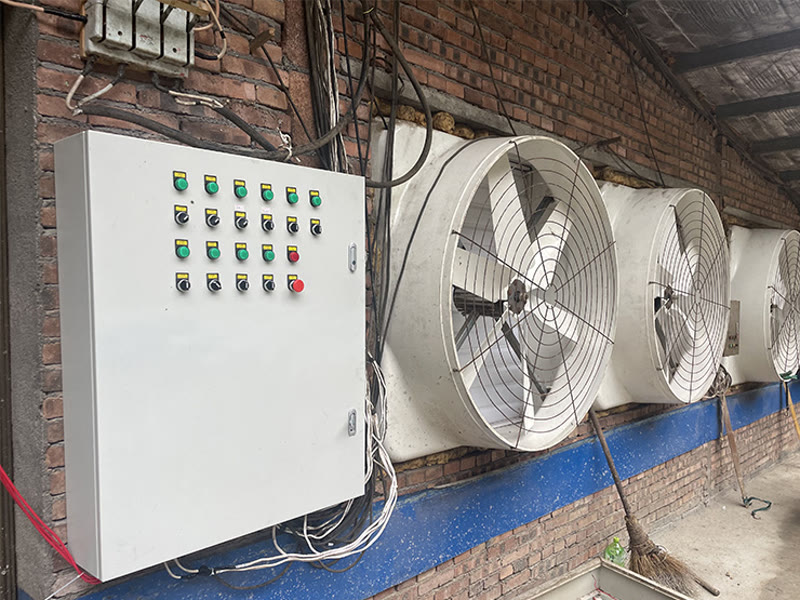
Fans, cooling equipment, aerators or pumps are important to daily operation, so supply or equipment stops need to be identified.
Group the equipment into circuits and select remote control, run-state monitoring and outage-alert options as required.
Operators can manage the configured circuits and review the monitored conditions from one system.
Project process
If power, voltage, network or control details are incomplete, send the available equipment names, photos and nameplates as a starting point.
Application, equipment list, quantities, known ratings, photos or nameplates and contact details.
Whether a standard Y951 or a custom cabinet is the appropriate starting point.
Site voltage, network, environment and required control, monitoring and alarm behavior.
Circuits, loads, communication, logic, options, enclosure and project boundaries.
The final configuration, drawings or agreed project requirements.
Assembly and factory checks for the approved circuit, communication and control functions.
Project review
Include the application, equipment names, quantities, nameplate ratings, supply, network, environment and required control or monitoring. A qualified electrical professional must review the final design, installation and commissioning.
Send the project information so the technical team can review the circuits, loads, controls, communication and enclosure.
Contact the technical team