
01
Collect
Connect equipment and collect field data.
YenGear IoT Cloud
Manage equipment, view data, configure rules and send control commands from one platform.
Request a platform demo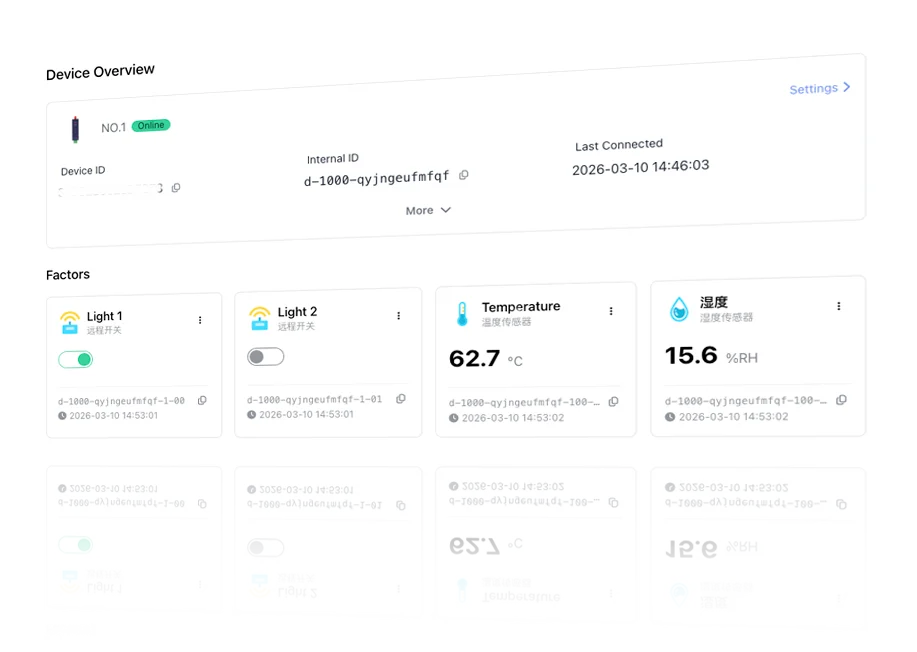
Platform overview
The platform collects equipment data, evaluates configured rules and sends the required commands to connected equipment.
01
Connect equipment and collect field data.
02
Evaluate data against schedules, thresholds and operating rules.
03
Send equipment commands and record the execution result.
Device connection
Connect compatible field equipment through industrial protocols and choose the path that fits the device interface and site network.
Real-time monitoring
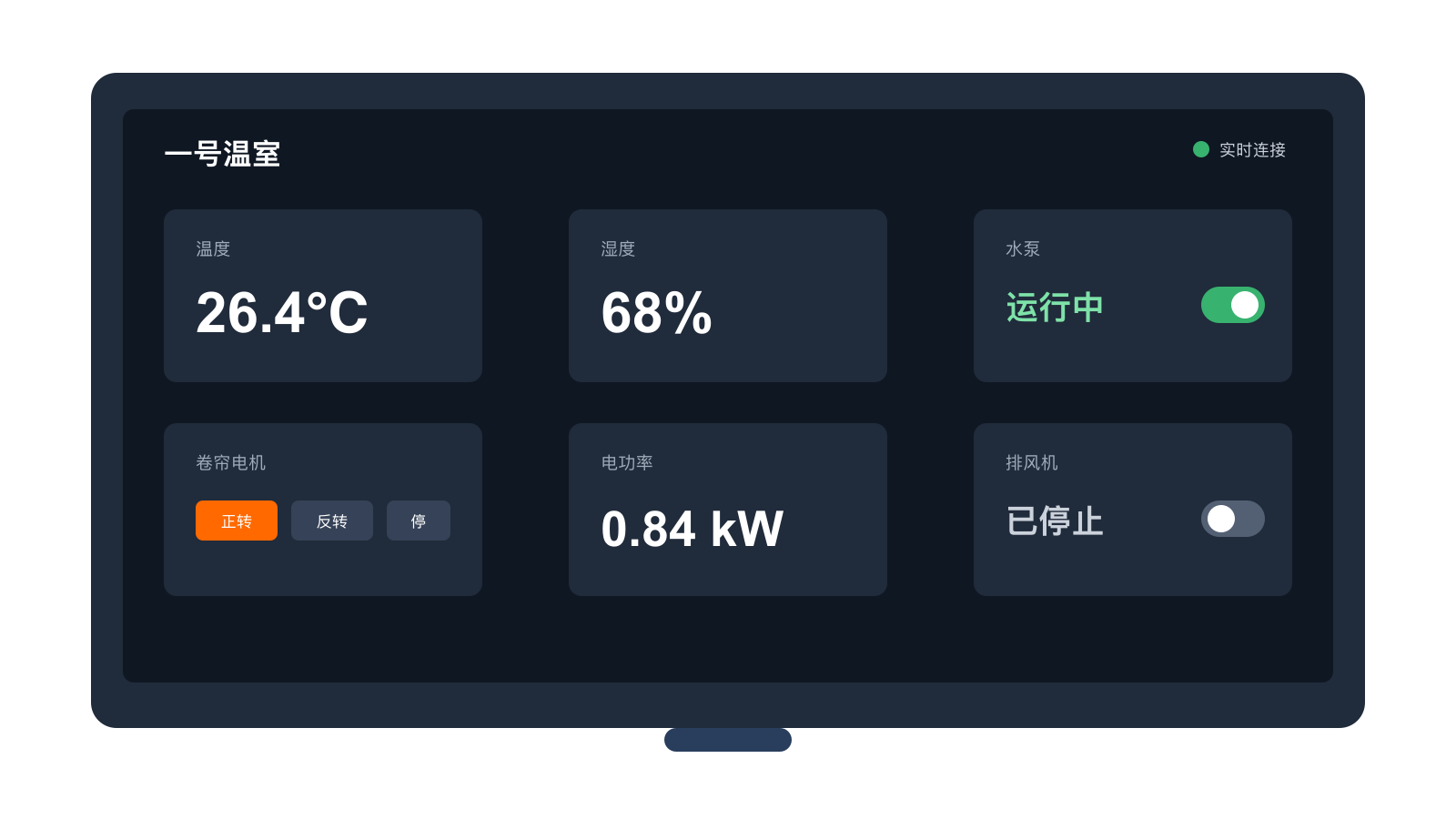
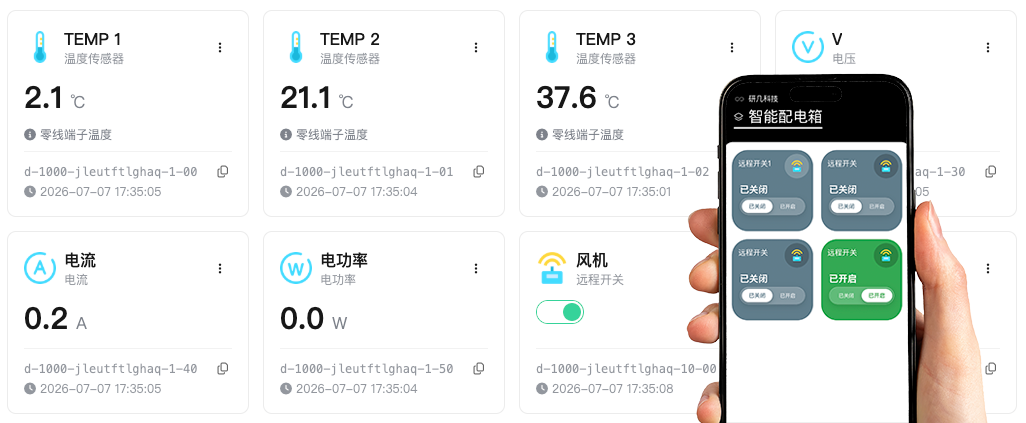
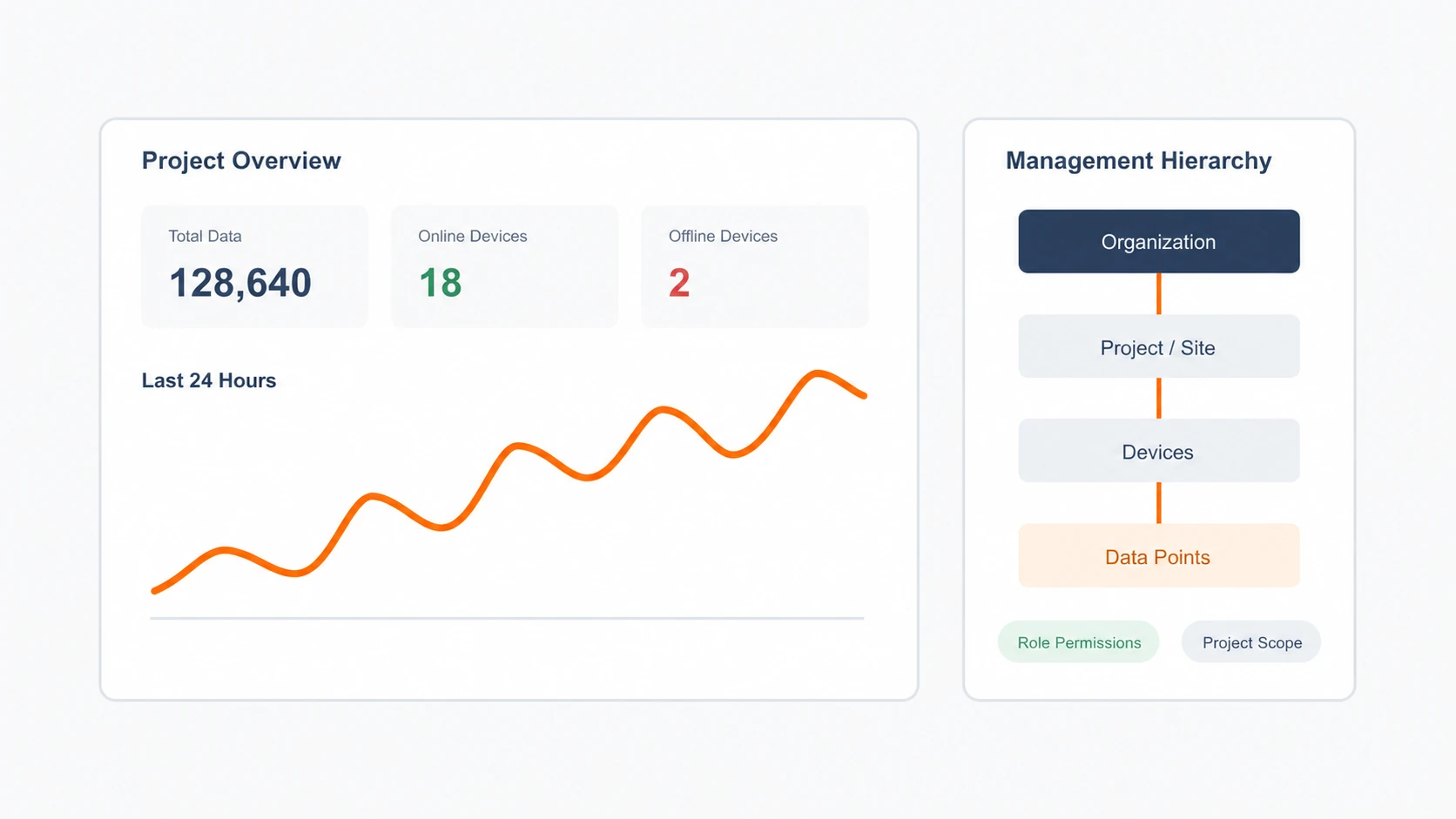
Visual dashboards show equipment status, live data and operating trends across connected projects.
Automation rules
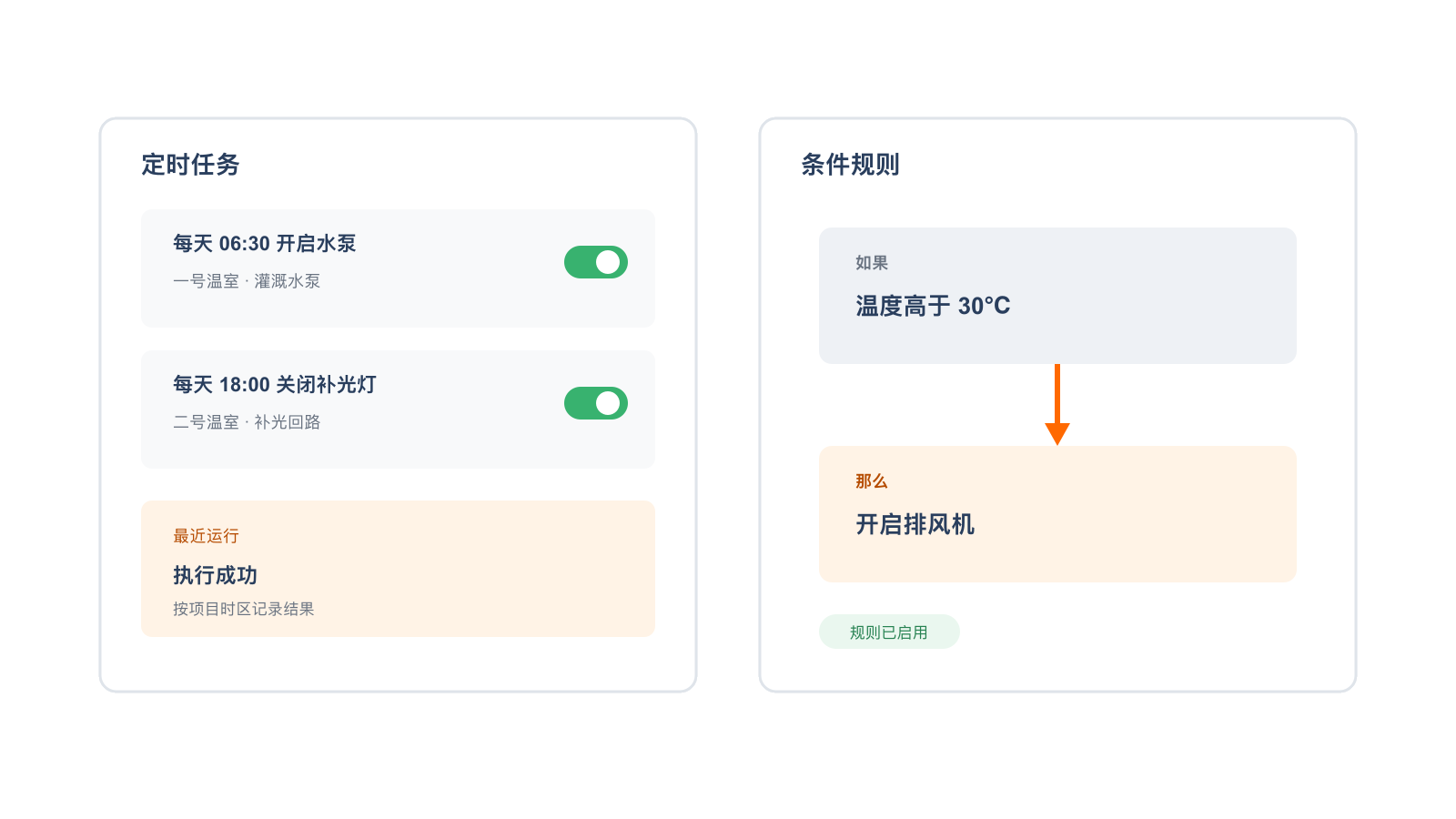
Combine schedules, conditions and alerts so the platform can execute routine work, reduce manual intervention and keep a traceable record.
Multi-device access
Use the cloud platform in the office and an industrial screen or phone on site. Authorized users can view the same equipment data and operation records.
Multi-user roles
Managers, field operators and developers can use the same projects, equipment and data within their own permissions for viewing, operation and integration.
Managers
Review equipment status, alerts and data trends across projects from one platform.
Field Operators
Use a phone or industrial screen to check equipment and execute remote controls, reducing repetitive inspections and manual records.
Developers
Use APIs, MQTT and Webhooks to connect business systems while keeping existing processes and expanding step by step.
Open integration
Provide API, MQTT and Webhook connections for ERP, MES, reporting systems and in-house applications.
API
Read projects, devices, data points and historical data to connect your business systems quickly.
MQTT
Send device data to the platform or let business systems subscribe to device messages.
Webhooks
Push important events as they happen, reducing repeated polling between systems.
About YenGear
YenGear provides power-control and connected-management products for agricultural and industrial sites, helping teams monitor status, receive alerts and control equipment remotely.
Core servicePower-control solutions
Custom solution design: Combine core products around loads, electrical protection, network, monitoring, alerts, control logic, enclosures and delivery requirements.
Discuss custom configurationFrequently asked questions
The platform can connect gateways, data acquisition modules, smart distribution boxes and standards-based devices. The appropriate path depends on the device interface, protocol, site network, distance and installation conditions.
Cloud commands and new cloud records require a working uplink. Local measurement, buffering or local control can continue only when the selected gateway or controller is configured for it; recovery and backfill behavior must be confirmed for the project.
Yes. Role-based permissions and project scope can be configured for administrators, operators and read-only users. The exact roles and approval process depend on the deployment.
Historical trends and exports can be provided for configured devices and data points. The available fields, retention, format and time range depend on the project configuration.
APIs, MQTT and Webhooks can be evaluated for ERP, MES, reporting systems and in-house applications. Confirm the data fields, direction, authentication, update frequency and production environment before integration.
We can assess an independent deployment based on your network, data governance, availability, backup and compliance requirements. Hosting and operations are confirmed in the project scope.
Request a platform demo
Tell us about your equipment, site and connection needs.